Product design was step one
Go from designer to design engineer. A structured way to learn how to use
AI in workflows, think like a builder, and ship real products.
Workshopped with designers at

The problem
You've handed off specs that came back unrecognizable. You've watched engineers deprioritize your best work. You've sat in sprint planning knowing your designs won't ship this quarter. Maybe not next quarter either.
That's not a design problem. It's a dependency problem.
Designers who build don't wait for permission. They prototype in code, ship MVPs over a weekend, and walk into standups with working demos instead of Figma links. They get hired first, promoted faster, and command 3x the rate.
AI changed the math. Claude and Cursor write the code. You direct it. Three hours from mockup to deployed URL — no CS degree, no bootcamp, no begging for eng resources.
This course teaches the exact workflow.
IDE
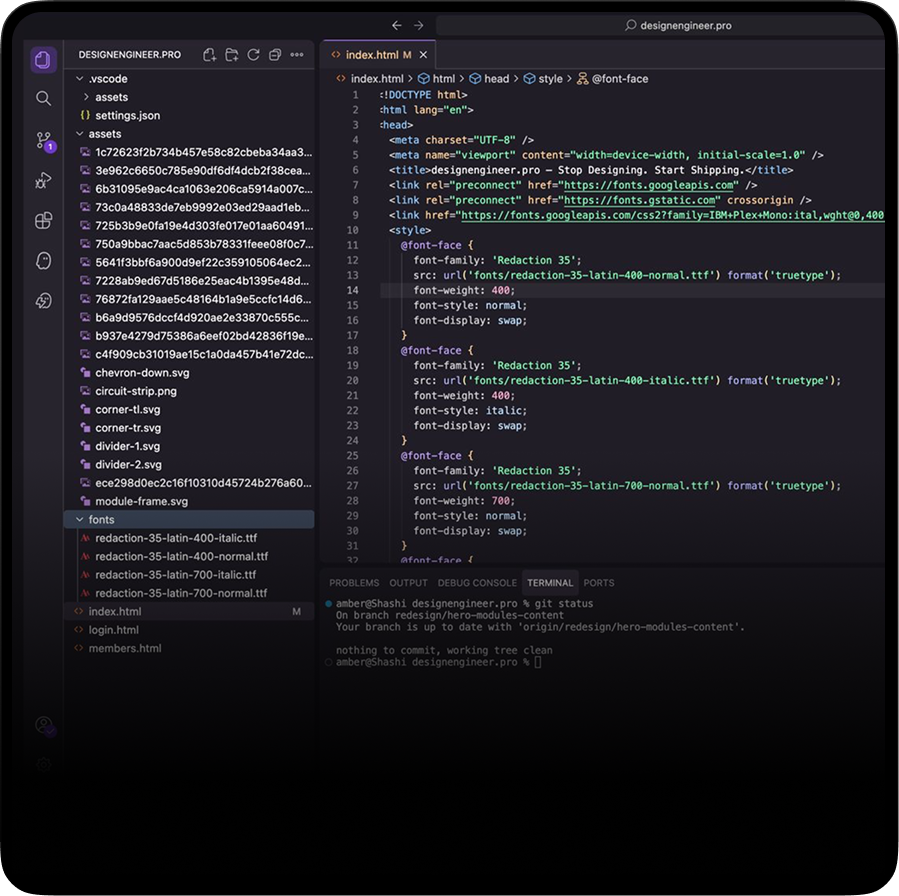
Codebase
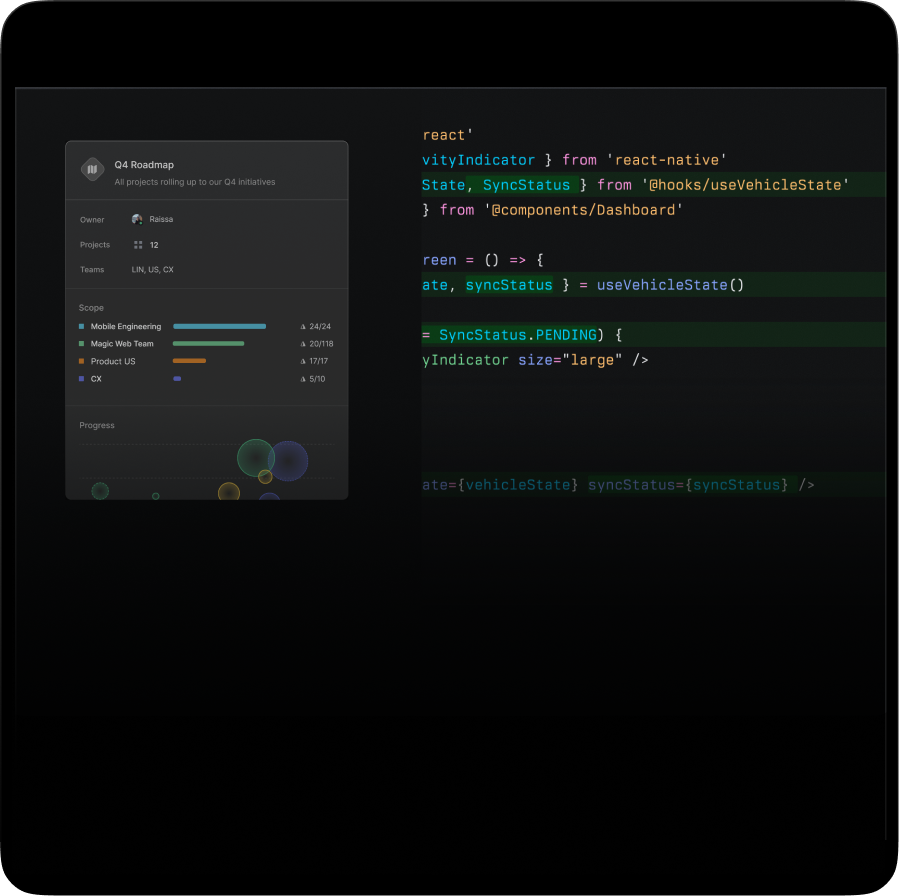
Tools
CLI
From Figma to a live URL in your first week. No bootcamp. No CS degree. AI writes the code, you direct the craft. The way product gets built now.
You don't need to become an engineer. You need to stop waiting for one. AI does the typing; you stay in product mode, deciding scope, polish, and ship date.
You ship faster, own more of the product, and create real impact. That's what drives higher pay, better roles, and real monetary upside.
Curriculum
Module 01 · 8 lessons
8 lessons
The shift: why designers who build win
You see exactly where the design industry is headed in 2026, and have the mental model that everything else in the course builds on.
Module 02 · 5 lessons
5 lessons
Taste, workflows & the AI toolkit
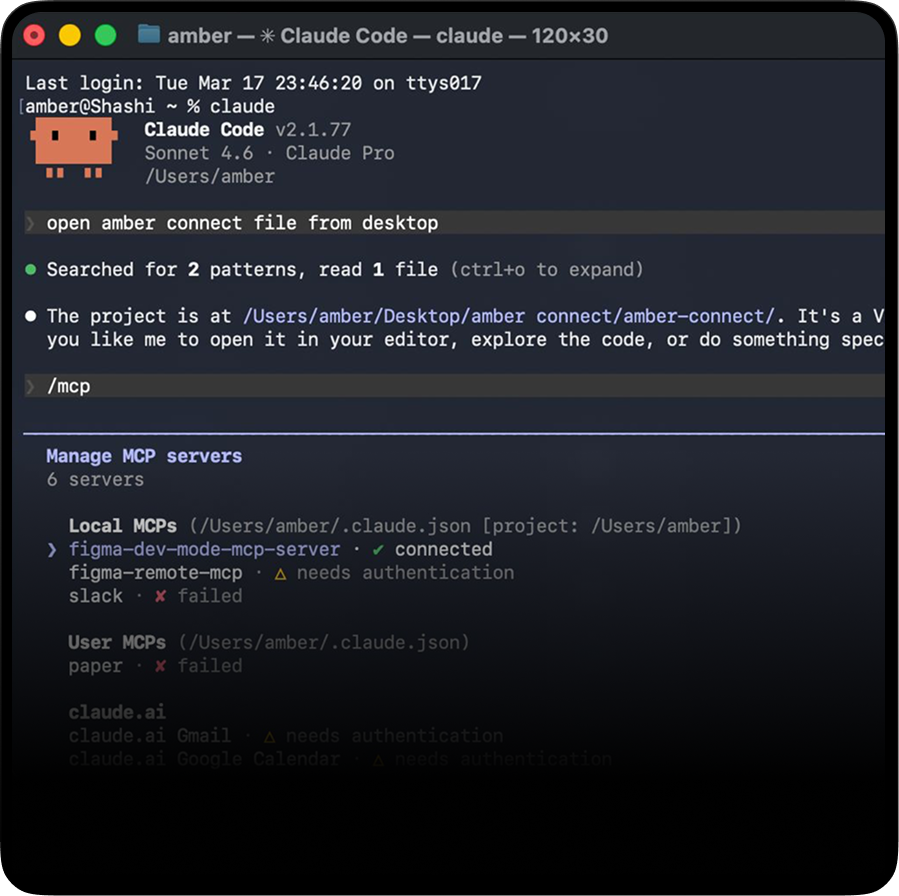
You know exactly which AI tool to pick for which job, and how to wire MCP, CLI, and skills.md into your daily workflow.
Module 03 · 6 lessons
6 lessons
Build & ship Bunkd: your first mobile app
A real React Native app called Bunkd shipped end-to-end. Public APK on your friends' phones, GitHub repo with your name on it, the full build.
Module 04 · 5 lessons
5 lessons
Build & ship a native macOS app
A native macOS app with Lottie animations, custom sounds, and personalization — packaged as a DMG you can drop in any chat. No Apple Developer account required.
Module 05 · 2 lessons
2 lessons
Stay relevant: hiring & shipping in production
A clear hiring framework for 2026, plus the practical workflow to ship code into your team's repo without breaking it. The signal you need to send to land design engineer roles.
Outcomes
Skill trajectory
Developer fluency
Git, APIs, deploys, PRs — the vocabulary that separates "I made a mockup" from "I shipped it."
Real work
No hypothetical exercises. No "imagine you're building..." you actually learn the rationale, build it, deploy it, and share it.
Bunkd · Mobile App
React Native · Expo · Cursor · Supabase
Wellbeing Notch · macOS App
SwiftUI · Xcode · Kiro · Lottie
AI-Native Workflow
Cursor MCP · Figma MCP · Supabase MCP
Production PRs
GitHub · Cursor · Claude Code · Kiro
The shift
▸ last ship: 9 mo ago
▸ last ship: 4 min ago
From the first cohort
Workshopped with designers at

Was founding member at 100xengineers — watched devs ship 10× faster with AI. Designers in my circles always asked us "where's our version of this?" Nothing serious to point them to. Shashi and Sunal nailed it — by Module 3 you've shipped a real app, not a toy demo. Sending this to every designer stuck waiting on their eng team.
Designer at Delhivery, mostly working on dashboards and ops tools. The handoff cycle was killing me. Engineers are great but they have their own roadmap, and small UI fixes were dying in backlogs for weeks. This course flipped that. Started with zero code background, finished Module 4 with two real apps shipped. Now I just build the small stuff myself and engineering actually thanks me for it.
I attended their workshop and it changed how I used to think about design. I learned a lot about how to use AI effectively in my design workflow and beyond. As I started exploring product design, this course gave me early clarity on how to go beyond just design and think like a design engineer. It helped me understand what it takes to level up and build, not just design.
Seen every 'next big shift' in design come and go. AI felt similar at first, a lot of noise, not much depth. This is the first time it actually translated into how I work day-to-day. Was feeling left behind, then I attended their workshop and now I feel like I know stuff, like I unlocked a new skill. The shift isn't just speed, it's control. You're no longer handing off intent and hoping it lands right. You're shaping the final product yourself. This is what the next version of a senior designer looks like.
Ex UX at Google. Spent years writing detailed specs that engineering still shipped 70% of. The handoff loop quietly broke me. Took this course over a few weekends and walked away actually building. The surprise: the building loop is way more fun than the polishing one. You stop worrying about pixel perfect and start caring about whether the thing actually works.
Tried Lovable, v0, and Figma Make before this. They all felt like demos that fell apart the moment I wanted to ship anything real. Cursor and Claude in this course finally bridged the gap. Built and shipped a small internal tool last weekend with auth and real data, took me two evenings. That's the actual difference.
design
engineer.pro
AI · Code · Ship
Product designers, UX designers, design leads, and builders who want to stop handing off specs and start shipping working products. You don't need to know a lot about code — but by the end, you will. If you can use Figma or just know the basics, you can take this course and level up today.
That's exactly who this is for. We start at zero — opening a terminal, making your first commit, writing your first component. The learning curve is real, but AI collapses what used to take months into weeks. By module 3, you'll have a deployed product with a URL you can share. Not someday. That week.
Cursor, Claude, Next.js, Tailwind, Supabase, Vercel. The same stack shipping at Perplexity, Linear, and dozens of AI-native startups. Everything is free or has a generous free tier — you won't spend a dollar beyond the course to follow along.
By the time you complete module 3, you'll have shipped your first app. Once you have that in place, you have the confidence to ship more complex ones. We've had folks ship apps and merge PRs right after our internal 4-hour workshops. Fully self-paced, lifetime access, no deadlines breathing down your neck. Go fast or go steady — it's your call.
Most design courses end with a Figma file. This one ends with 2 full-fledged deployed products. We don't teach you to design things from scratch — you already know that. We teach you to make things that work, with more taste and craft. How to use AI as a partner for brainstorming and designing more efficiently. AI-assisted development isn't a gimmick here. It's the entire workflow.
7-day full refund. No questions, no guilt trip. If you're under 80% through and it doesn't click, email us and we'll send your money back. We'd rather you be honest than stuck.
Yes. One payment, lifetime access — every future update included. We know AI moves fast. The curriculum gets updated when the tools do. You'll get notified whenever new content drops. No upsells, no "premium tier."
Coming Soon
5 to follow, every Monday
Design-engineers whose work you'll keep opening in new tabs. Not "trending." Actually shipping.
Watch + read
The videos that actually teach something. The posts that aren't listicles. One watchlist, one reading list.
Portfolios worth stealing from
Plus what shipped this week in AI, design tools, and the teams hiring for this role.
You've read this far. You already know.
Join designers from Stripe, Google, Vercel and Linear who stopped waiting for engineers and started shipping themselves.
One-time payment · Lifetime access · 7-day refund